
Security
The Top 3 VPN Services For Android (2024 Edition)
When it comes to subscription based VPN services, there are a few things to look out for when selecting a quality provider. This guide helps you choose the best option for your specific needs.

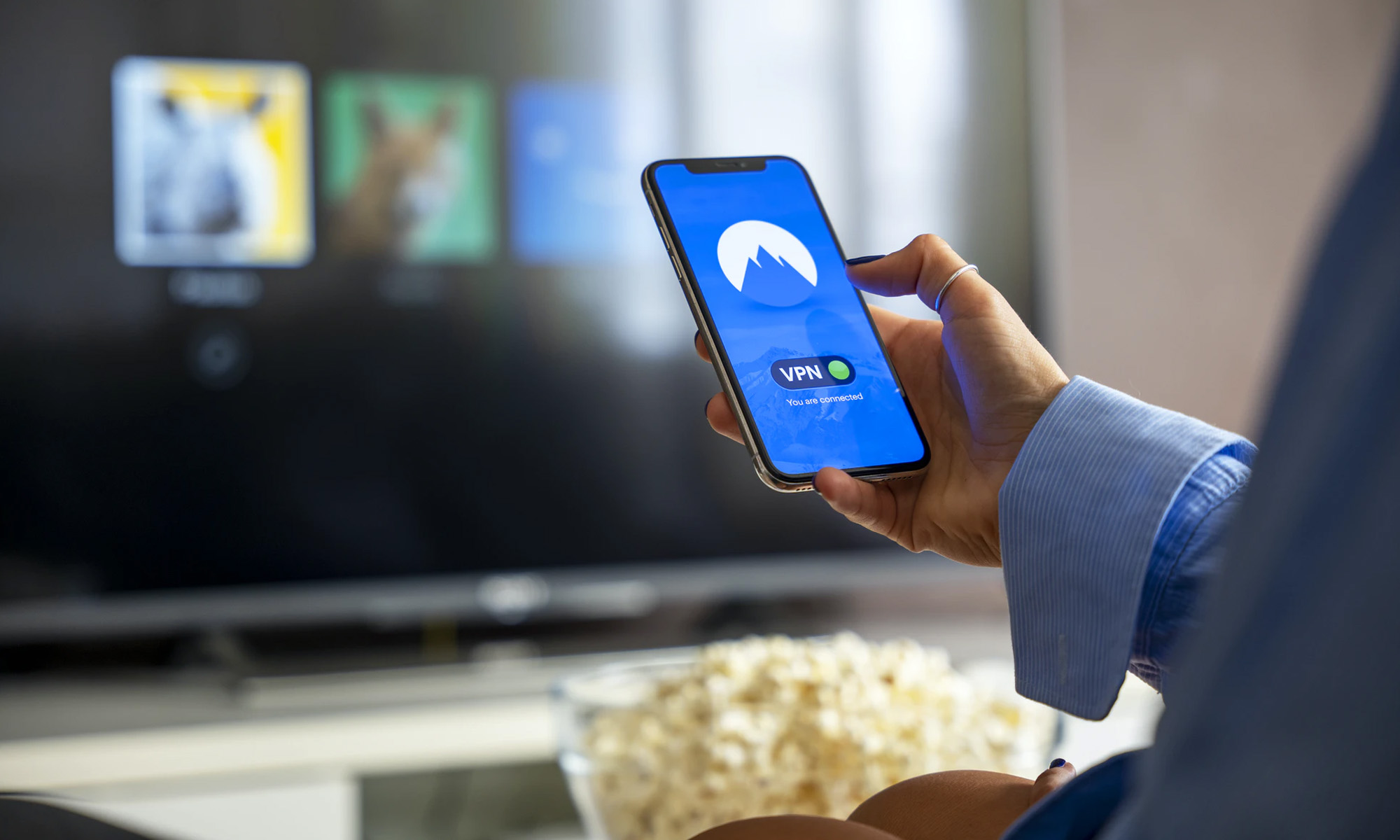
If you’re anything like us, you probably spend a great deal of your time glued to your smartphone or tablet. And with every activity on those devices involving an internet connection, it’s vital that our apps and data are secured from hackers and malicious snooping. In this article, we’re going to give you a brief overview of why you need to protect your online activity with a VPN, and then review three of our favorite VPN services for Android.
So What Exactly Is A VPN?
VPN is the acronym for “Virtual Private Network”. When a VPN is installed on your Android device, instead of connecting to the internet directly, the phone or tablet will first connect to the VPN’s server, which will then connect to the wider internet.
In effect, the VPN acts as a go-between for connecting to the web, creating an encrypted “tunnel” that prevents third parties from snooping on your data. When connected to a VPN, you’ll be able to do all of the normal things you might want to do on the internet, using an external IP address through a server that masks your real location.
Why Use A VPN On Your Android Device?
When you’re out and about in public, you almost certainly use your phone or tablet to connect to free WiFi networks. These public hotspots can be targeted by hackers and fraudsters, who can intercept your data and in some cases, steal confidential information. If you regularly check your banking apps, log in to social media accounts or send emails whilst on a public network, you have a very real risk of having your data intercepted and stolen.
Also Read: Is Your Phone Hacked? How To Find Out & Protect Yourself
With a VPN in place, your data and browsing activity are kept safe, because everything that you send or receive on your device is funneled through an encrypted connection to the VPN’s server.
In addition to WiFi security, a VPN hides your location, IP address and browsing history. That means that your phone carrier or internet service provider are unable to view and log your entire browsing history. It also means that you can spoof being in a different country, giving you access to region specific content on Netflix and other services that isn’t available in your part of the world.
Are VPNs Difficult To Use?
Absolutely not! Most VPNs these days are extremely simple to use. Once you’ve paid for an account, all you’ll need to do is download the accompanying Android app and enter your login details.
There’s little or no technical steps required to get up and running. You’ll simply have to decide upon a server location and whether you want to have the VPN running all the time. After that, your device will work as normal and you shouldn’t even notice that the VPN is there.
How To Choose An Android VPN
These days, there’s a huge selection of VPN providers to choose from. You can test out a free VPN service if simply want to understand how the technology works, but we’d suggest opting for a better quality paid offering, as you’ll almost certainly get faster speeds, and you won’t have to put up with annoying adverts or data limits.
When it comes to subscription based VPN services, there are a few things to look out for when selecting a quality provider:
- Check that the speeds and response time are good.
- Make sure the service doesn’t limit data.
- Check the data logging policy.
- Find out what encryption the company uses.
- Make sure there are plenty of server locations to choose from.
- If you’re concerned about privacy, research where the company is based.
- Look for additional features like adblocking and multi-hop services.
The Five, Nine & 14 Eyes
“The Five Eyes alliance is an intelligence-sharing arrangement between five English-speaking democracies: the USA, UK, Canada, Australia and New Zealand. It evolved during the Cold War” – BBC News
The arrangement later added Denmark, France, the Netherlands and Norway, becoming The Nine Eyes, and eventually Belgium, Germany, Italy, Spain and Sweden to create The 14 Eyes. These countries are known to actively gather information about their citizens and share it with each other when needed, effectively spying on their citizens. If you’re concerned about your online privacy, you should choose a VPN that’s based outside of these jurisdictions.
If that all sounds a little complicated, you’re in luck: We’ve tested a variety of VPN services for Android over the years, and we think we’ve narrowed it down to three subscription based services that each provide fantastic value for money:
ExpressVPN: The Best All Round Android VPN

Decent pricing, a large selection of servers around the world and a base in the British Virgin Islands make this popular VPN service a solid all-round choice. ExpressVPN logs a very minimal amount of data, and doesn’t collect any of your browsing history at all. In addition, the service works well with video streaming sites and even rotates your IP address to deter hackers and tracking.
Why We Like ExpressVPN:
- 148 locations and a massive 2,000 servers.
- Registered in the British Virgin Islands.
- Variable IP addresses.
- Works well with Netflix.
Things That Aren’t So Great:
- Only five devices can use the account at the same time.
- Customer support isn’t always easy to access.
- Can be slow if you’re a Mac user.
- Good value, but not the cheapest option.
Pricing Options
ExpressVPN offers an introductory deal priced at $99.95 for the first 15 months of use, then the same price every 12 months after that. It’s also possible to buy a single month for $12.95 and 6 months for $59.95. There’s a 30 day money back guarantee if you decide that the service isn’t right for you.
NordVPN: The Best Android VPN For The Privacy Conscious
Nord VPN is a very popular service offering a wide range of speedy servers in multiple countries, and is based in Panama, meaning the company has no obligation to hand over your data to your government’s intelligence agency. With that being said, Nord doesn’t actually log your data at all, so there wouldn’t be much to hand over anyway!
Nord allows P2P sharing, works well with video streaming services, and even offered a multi-hop, double encrypted tunnel for extra peace of mind.
Why We Like NordVPN:
- A really stable and mature Android app.
- Great security.
- Strong encryption.
- P2P allowed.
- Great value.
Things That Aren’t So Great:
- Static IP addresses only.
- Occasional iOS app connectivity issues.
- Throws up more Google ReCapcha requests than others.
Pricing Options
Nord VPN offers tiered pricing just like many other VPN services for Android. There’s a month-to-month option for $11.95, a $6.99 per month option if you pay for a year up front, a $4.99 per month option if you pay for 2 years at once, and a $3.49 option if you’re prepared to shell out $125.64 for a three year plan.
CyberGhost: The Best Android VPN For Casual Users
CyberGhost is a great option for casual VPN users who are looking for a low-cost service for watching the occasional Netflix show in a different county, or browsing the internet in a café or airport.
CyberGhost has top notch security credentials with AES-256 encryption, an automatic kill switch that blocks the internet if connection to the VPN is lost, and really affordable pricing.
What We Like:
- Great value.
- Solid security and privacy.
- Large list of servers.
- Awesome customer support.
Things That Aren’t So Great:
- Static IP addresses.
- No multi-hop or split-tunneling.
- More logging than other services.
- Can be slow when used on desktop PCs.
Pricing Options
CyberGhost has 4 pricing tiers available: If you buy 3 years of service up front, the VPN works out at just $2.25 per month. This makes CyberGhost one of the cheapest VPN services for Android around. There’s also a 2 year, 1 year and monthly subscription, coming in at $83.76, $47.88 and $12.99 respectively.
A Paid VPN Service is Money Well Spent
With more and more of us connected to the internet 24/7, it’s becoming increasingly prudent to ensure that your cybersecurity is taken care of. Using one of the better VPN services for Android is a highly effective way to keep your online activities private and your data out of the hands off snoopers and thieves. Sign up to one of suggested services today, and stay safe out there!



Security
Why More Data Doesn’t Automatically Mean Better Decisions
More data doesn’t automatically lead to better IT decisions. This article explores why context, relevance, and proper governance matter more than sheer volume.


In today’s buzzword-heavy tech landscape, it’s easy to get caught up in catchphrases without fully appreciating what goes into a specific function or operation. One common belief in tech circles is that more data invariably leads to better decision-making. While this idea isn’t entirely misguided, the reality is more complicated — more data doesn’t always result in better decisions. It’s not the volume of data that matters, but how it’s used.
Organizations generate vast amounts of data, with nearly every action quantified in some way. Social media platforms, for example, track likes, clicks, and search history to measure interest in specific topics. Often, data is collected simply because it can be, not because there’s a clear plan for using it.
Anyone who’s worked in IT can point to examples where all that data led to confusion rather than clarity: Conflicting reports and noisy dashboards leading to irrelevant and unactionable information. The fact that most IT teams can easily point to examples of poorly managed data highlights an important issue: The existence of large volumes of data is no guarantee of better outcomes. Extracting actionable insights, while also remaining compliant with regulations, is a complex process. In fact, it’s complex enough to be its own discipline: data governance.
Effective data governance doesn’t mean collecting as much data as possible, it’s about collecting the right data. The right data, in this case, refers to data that is complete, contextualized, and relevant to the task in which it will be used.
Data, Data Everywhere..
A dashboard might alert you to sudden resource usage spikes, but without context i.e., what triggered the spike, whether it’s temporary or sustained, and whether it’s actually impacting users, that information doesn’t get you very far. Data like that raises more questions than it answers. When that missing context is available, teams can respond quickly and proportionately instead of reacting to every spike as if it’s a crisis.
Too much data can also lead to decision fatigue. IT teams are already stretched thin, and constantly dealing with noisy or conflicting information quickly becomes counterproductive.
Quality Over Quantity
In IT especially, more data isn’t always the answer. Going back to dashboards, when they feel overwhelming or stressful instead of helpful, that’s usually a sign that something has gone wrong upstream. At that point, collecting more data isn’t the solution, rethinking how that data is governed and presented is. Clarity beats quantity every time. The goal isn’t to see absolutely everything, it’s to see what matters and use that information to make better decisions.

Microsoft Plans $10 Billion-Plus Gulf Expansion Despite Iran Conflict

In Kuwait, Your Surgeon Might Be Operating From Another Country

Qatar Folds 45 State Companies Into A Single Investment Platform

Trip.com Is Betting An AI Agent Will Book Your Next Vacation

Meta’s New $499 Plan Puts A Price On Reaching A Real Person

Apple’s First Folding iPhone Arrives Late To A Shrinking Market
Trip.com Is Betting An AI Agent Will Book Your Next Vacation

Egypt’s Mobile Wallets Are Booming, But Cash Still Has Power

OKX Bets Streaming Perks Can Take Crypto Mainstream Across MENA

Apple’s Latest Product Releases Make The Headlines


-
 News3 weeks ago
Apple’s First Folding iPhone Arrives Late To A Shrinking Market
-
 News2 weeks ago
Trip.com Is Betting An AI Agent Will Book Your Next Vacation
-
 News2 weeks ago
Egypt’s Mobile Wallets Are Booming, But Cash Still Has Power
-
 News2 weeks ago
OKX Bets Streaming Perks Can Take Crypto Mainstream Across MENA