
News
You Can Now Delete Threads And Keep Your Instagram Account
Instagram’s head, Adam Mosseri, announced the update, which allows users to delete a Threads profile without affecting their Instagram account.

Meta’s micro-blogging platform Threads, a rival to Elon Musk’s X, went live in July and has already gained popularity. However, users have complained about several missing features, not least of which is that the site only lets you remove your profile by completely deleting your main Instagram account.
Now, Instagram head Adam Mosseri has announced a much-requested update that rectifies the issue, allowing users to delete their Threads profiles without interfering with their Instagram accounts. The update can be accessed by going to Settings > Account > Delete or Deactivate Profile. There, users can select delete to completely remove their Threads account.
Threads is also rolling out another update that gives users more control over who can view their posts across Meta’s other social platforms. Currently, posts on Threads also appear on Instagram and Facebook, but you’ll soon be able to opt out by accessing the Privacy section in the Settings menu.
Also Read: Top E-Commerce Websites In The Middle East In 2023
Threads has recently been criticized for excessive data collection — a concern shared by users of Meta’s other apps. Despite a record-breaking July 2023 launch that made it the fastest app to reach 100 million downloads, the platform has also struggled with user retention.
Meta CEO Mark Zuckerberg explained to employees that the company was focused on improving user retention. “Obviously, if you have more than 100 million people sign up, it would be awesome if all of them or even half of them stuck around. We’re not there yet, ” he said.






News
Microsoft Plans $10 Billion-Plus Gulf Expansion Despite Iran Conflict
Security is shaping Microsoft’s approach, from resilience work with governments to what it will say about how the money splits by country.
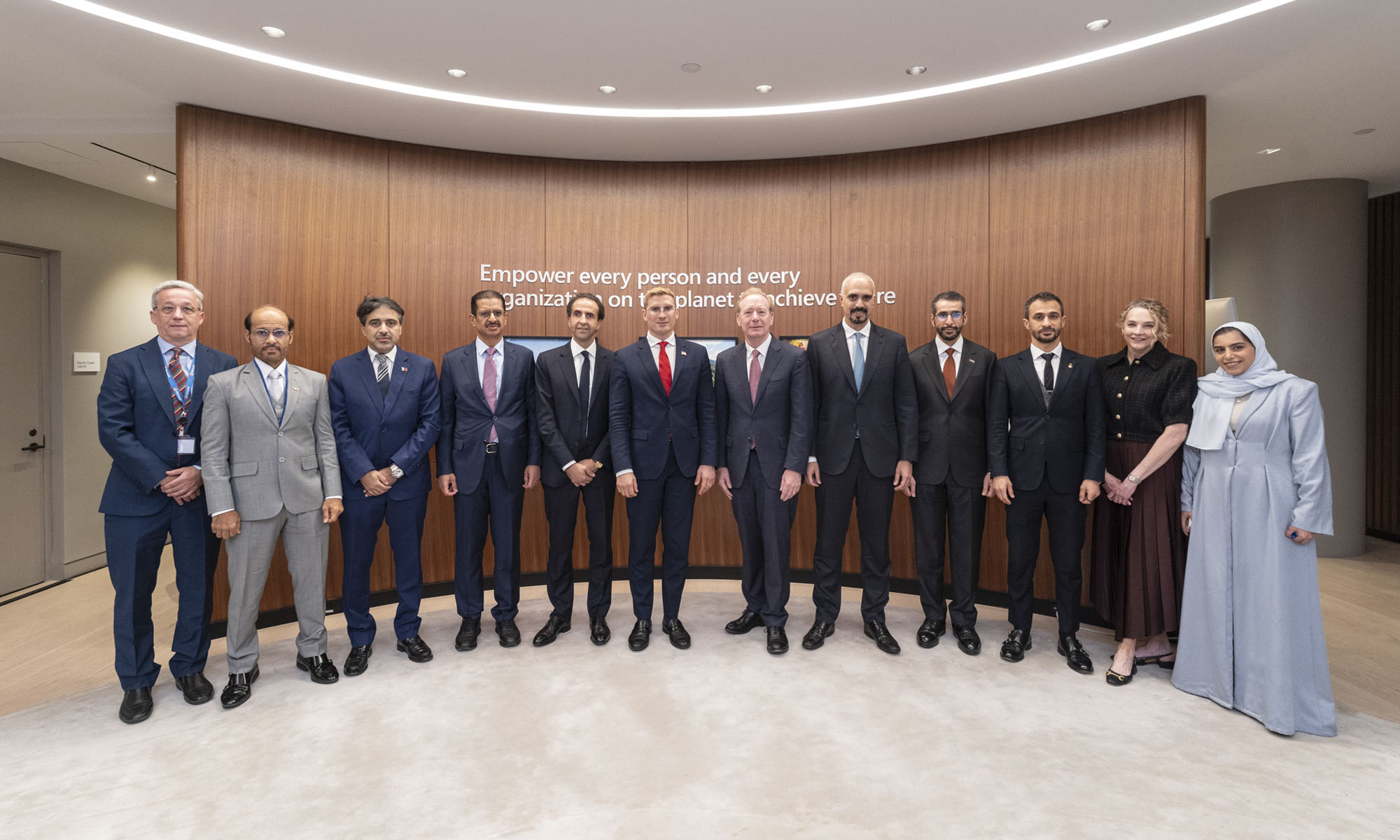
Microsoft is planning more than $10 billion of investment across the UAE, Saudi Arabia, Qatar and Kuwait through 2030, Vice Chair and President Brad Smith told Reuters, calling the spending schedule aggressive. The Iranian conflict that began on February 28 has not persuaded the company to scale back.
“We’re sustaining all the investments we planned to make before this conflict started, and we are in fact adding to them,” Smith said. The $10 billion-plus total does not, however, show how large those additions are.
The investment, which Smith described as part of Microsoft’s continued infrastructure expansion, is aimed at cloud and AI infrastructure and at the company’s growing regional operations. Microsoft also intends to put more than $400 million into subsea and terrestrial connectivity across the Middle East by 2030.
The spending fits the region’s own ambitions too. Gulf governments have been investing heavily in AI infrastructure as part of a push to diversify their economies beyond oil and gas and turn themselves into global technology hubs. Major cloud and AI providers have been drawn in part by the land and relatively low-cost energy on offer.
Microsoft is widening its partnerships with regional AI companies, though not on identical terms. In 2024, it invested $1.5 billion in Abu Dhabi-based G42 for a minority stake, and Smith currently sits on G42’s board. Saudi Arabia’s Humain and Qatar’s Qai are working with Microsoft on selected priority areas, but Smith said the company does not plan to make capital investments in either.
Also Read: Egypt’s Mobile Wallets Are Booming, But Cash Still Has Power
The conflict has added another strand to Microsoft’s work in the region. Since it began, Smith said, the company has supported regional partners with digital resilience assessments, and it is now working with Gulf countries through a digital resilience initiative focused on preparedness and the protection of critical data.
So far, the company has given no country-by-country breakdown of the investment, citing security among other factors. So while the headline figure is public, how Microsoft divides the spending among the four countries is not.

Microsoft Plans $10 Billion-Plus Gulf Expansion Despite Iran Conflict

In Kuwait, Your Surgeon Might Be Operating From Another Country

Qatar Folds 45 State Companies Into A Single Investment Platform

Trip.com Is Betting An AI Agent Will Book Your Next Vacation

Meta’s New $499 Plan Puts A Price On Reaching A Real Person

Apple’s First Folding iPhone Arrives Late To A Shrinking Market
Trip.com Is Betting An AI Agent Will Book Your Next Vacation

Egypt’s Mobile Wallets Are Booming, But Cash Still Has Power

OKX Bets Streaming Perks Can Take Crypto Mainstream Across MENA

Musk’s Boring Company Wants To Dig 150 KM Of Tunnel Under The UAE


-
 News3 weeks ago
Apple’s First Folding iPhone Arrives Late To A Shrinking Market
-
 News2 weeks ago
Trip.com Is Betting An AI Agent Will Book Your Next Vacation
-
 News2 weeks ago
Egypt’s Mobile Wallets Are Booming, But Cash Still Has Power
-
 News2 weeks ago
OKX Bets Streaming Perks Can Take Crypto Mainstream Across MENA