
News
Instagram’s Chronological Feed Is Now Available For All Users
In addition to the chronological feed, there’s now also a new favorites feed option, which shows the latest posts from a list of chosen accounts.

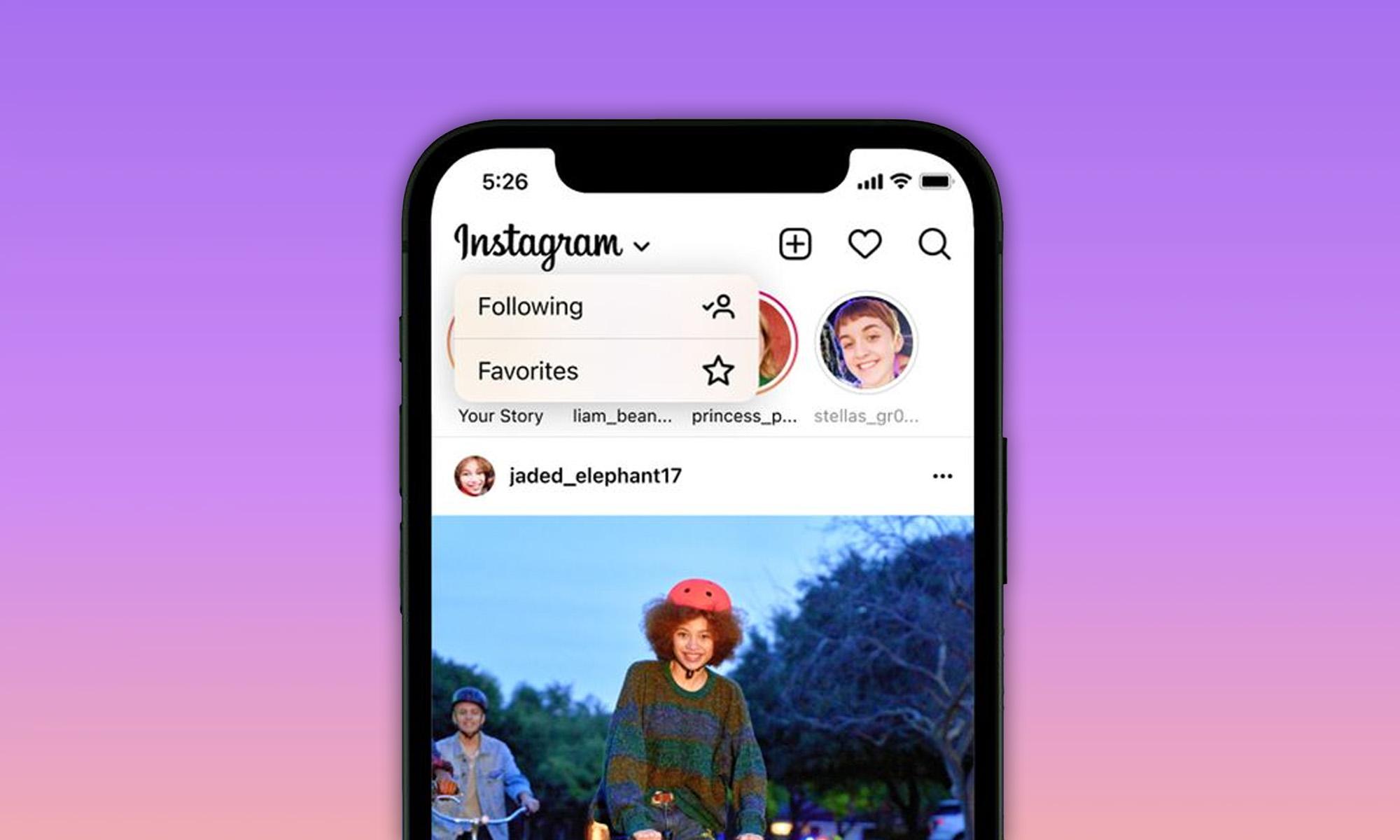
In 2016, Instagram turned off the ability to display new posts in chronological order, claiming that users were missing many posts, even those posted by their close connections.
The algorithmic home feed took over, and it has been dictating what Instagram users see until now. After more than five years and many heated discussions about how the algorithmic home feed works, the ability to display new posts in chronological order is finally back.
“We want you to be able to shape Instagram into the best possible experience, and giving you ways to quickly see what you’re most interested in is an important step in that direction,” writes Adam Mosseri, Head of Instagram, in a blog post.
The decision to bring back the chronological feed comes after last year’s Senate hearing, during which Mosseri was asked if he believed users should be able to use the app without being manipulated by algorithms. The hearing prompted Instagram to say that it would give its users more freedom, and the social network has finally delivered on that promise.
Also Read: How To Find & Cancel Pending Instagram Requests
In addition to the chronological feed, there’s now also a new favorites feed option, which shows the latest posts from a list of chosen accounts.
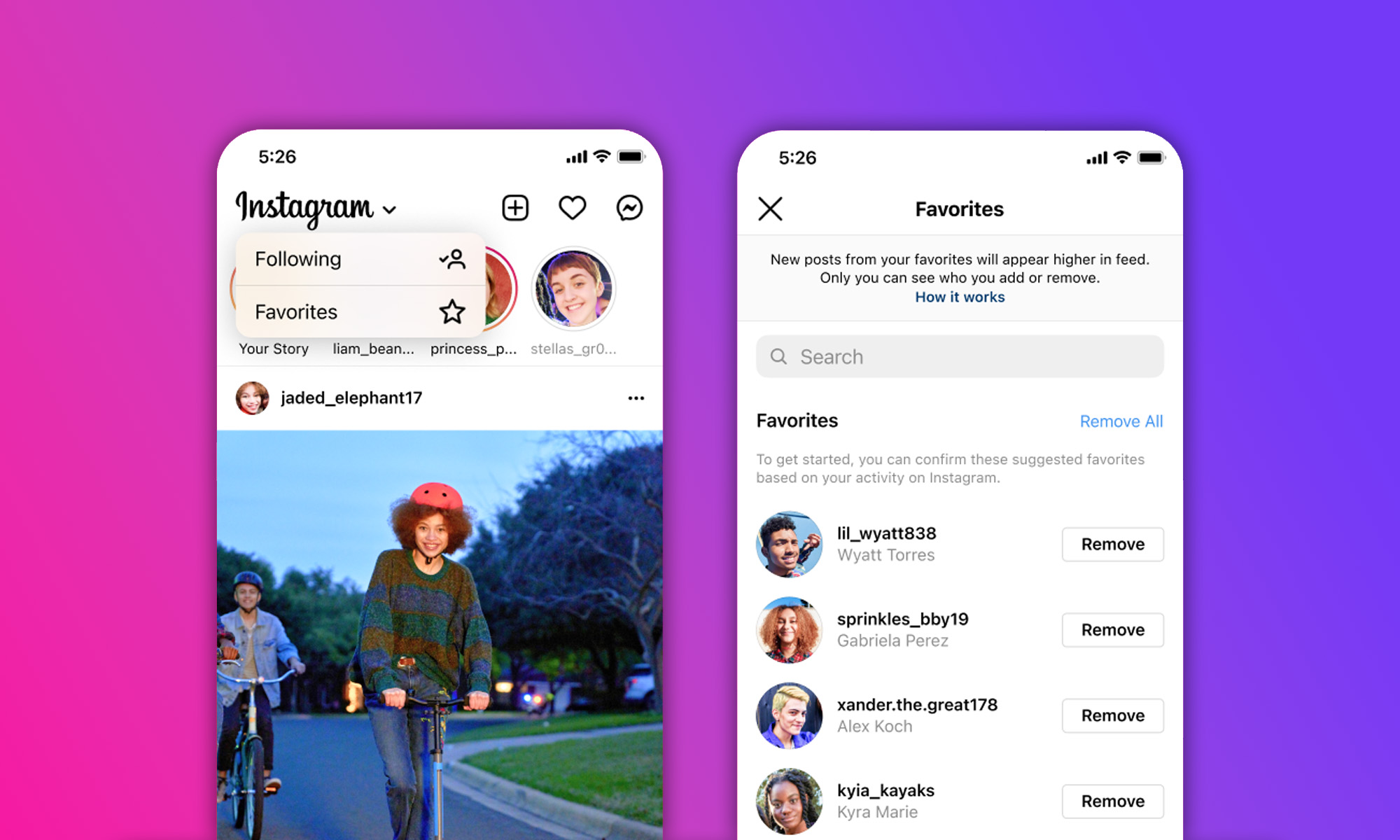
To activate the chronological and favorites feeds:
- Launch the Instagram app on your smartphone.
- Tap the Instagram logo in the top left corner.
- Choose Following to see posts in chronological order or Favorites to see the latest posts from chosen accounts.
Unfortunately, the change doesn’t stick, which means that Instagram’s algorithmic feed will be back every time you reopen the Instagram app.
Another limitation is that it’s not possible to see Stories from the chronological and favorites feeds, making them feel somewhat inferior to the algorithmic feed, and that’s probably exactly how Instagram wants it to feel in order to steer its users toward the default experience.







News
Abu Dhabi’s Robot Kitchen Is Serving Up Biryani, Not Burgers
Circus SE wants to put a tiny automated factory inside the buildings where Gulf residents live and work, bypassing part of last-mile delivery.

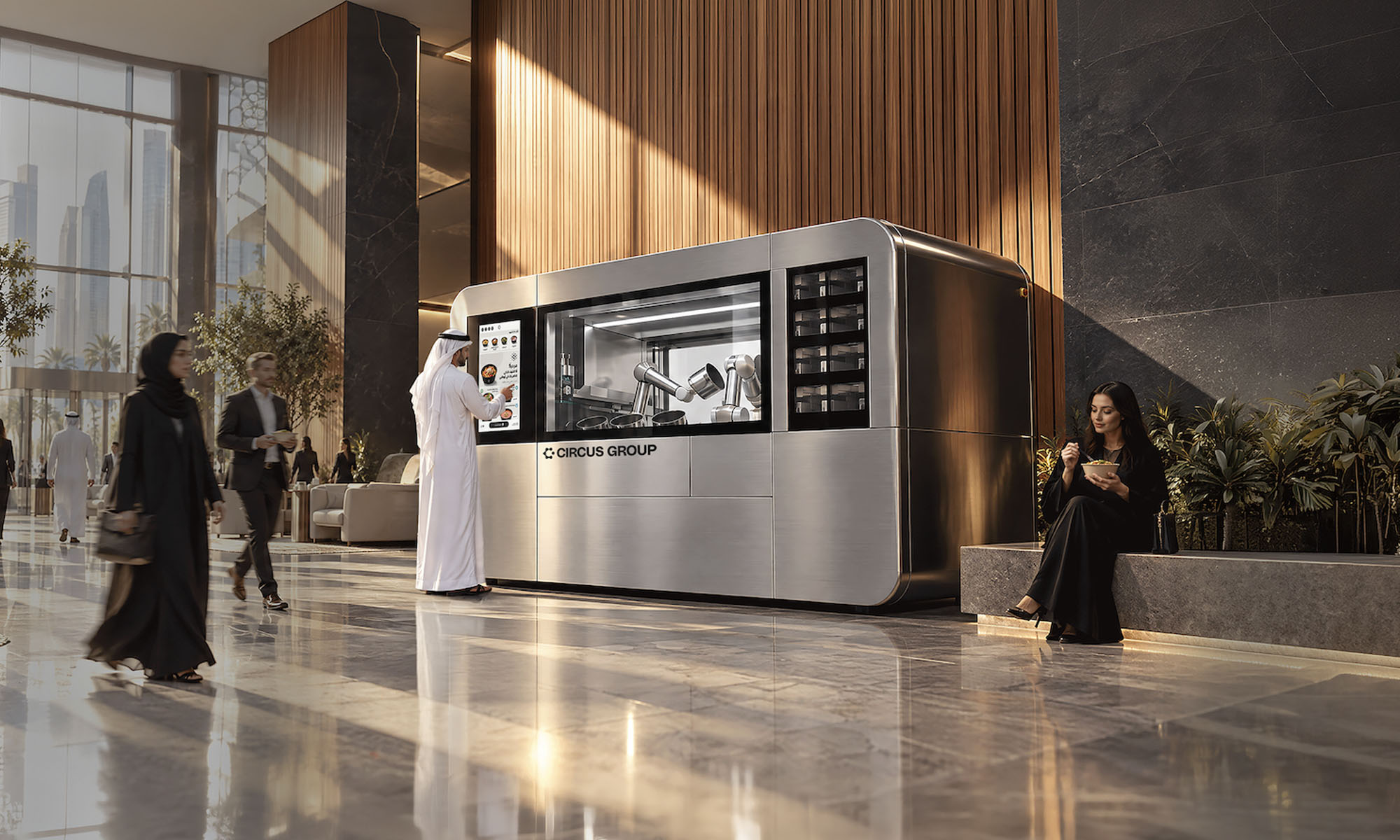
The most telling thing about a new autonomous kitchen now running in Abu Dhabi’s Marina Square is what it won’t cook:
“We don’t do fast food,” says Nikolas Bullwinkel, Founder and CEO of Circus SE. “We’ve actively decided not to build a machine that can only do burgers”.
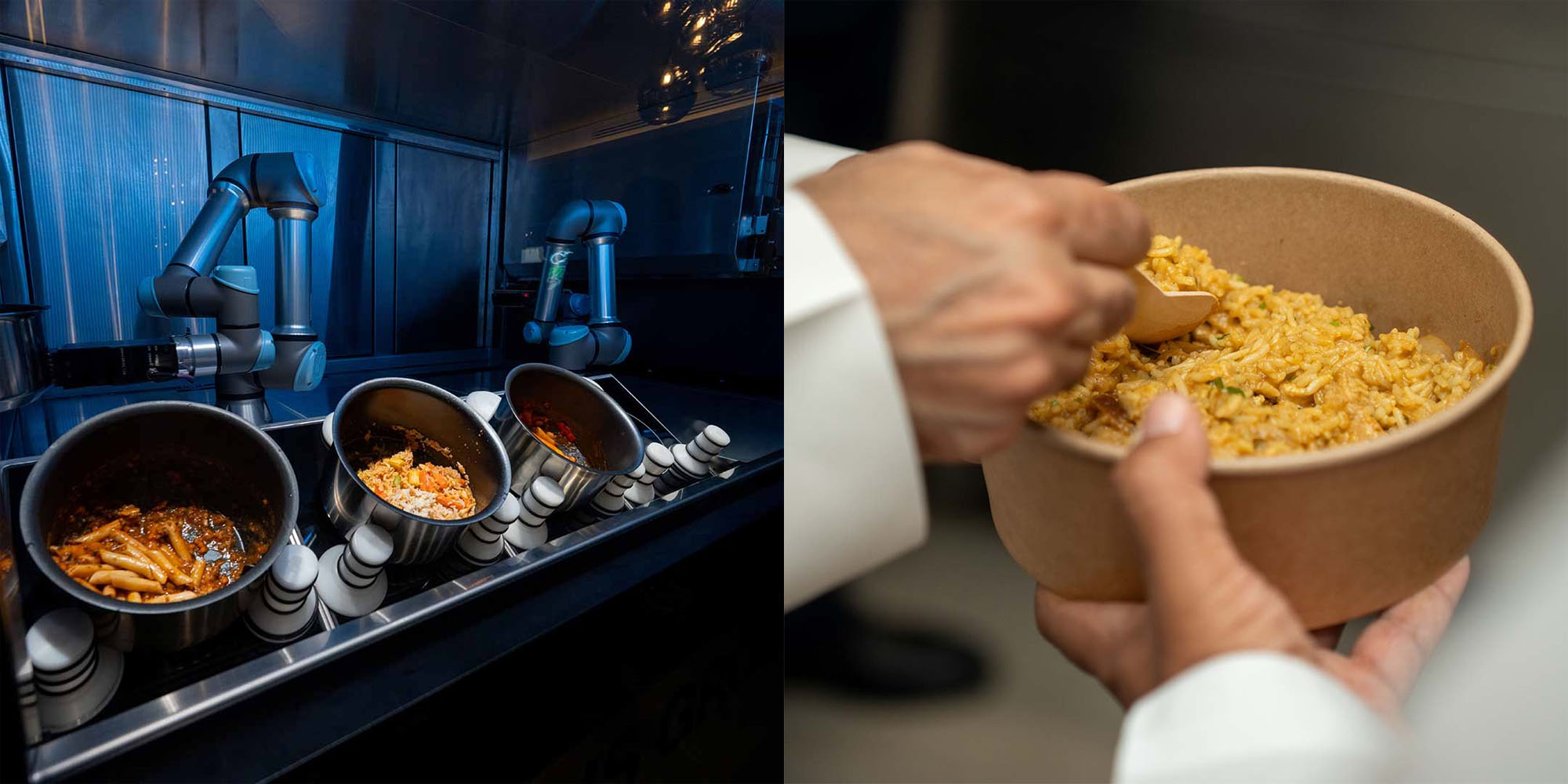
Instead, the CA-1 system is built around pot-based cooking: curries, pastas, soups and rice dishes. After experimenting with highly personalized recipes, Circus deliberately leaned back toward recognizable food. “We’re going with a chicken biryani because you know it,” Bullwinkel says of the AED 40 dish.
The Germany-based robotics and food technology company operates across eight countries, and Abu Dhabi is its first deployment outside Europe. More locations are expected there and in Dubai.
In Germany, its units can be placed in supermarkets, gas stations, airports and hospitals. In the Gulf, Bullwinkel wants them inside residential and office buildings, replacing some of the complexity of last-mile delivery. “We’re basically bringing a very tiny factory a few square meters into your building,” he says. Catering company Royal Prestige supplies the ingredients and knowledge of local tastes.
The CA-1 manages up to 36 refrigerated ingredient silos alongside automated induction cooking, robotic plating and a self-cleaning dishwasher. Two robotic arms move ingredients through the system with minimal human intervention. It can produce up to 120 hot meals an hour, and a meal such as rice and curry can take around three to four minutes.
Also Read: Ooredoo Qatar’s 5G+ Network Is Built For Machines As Much As People
Five cameras and multiple sensors monitor heat, temperature and consistency, an attempt to approximate what a chef perceives. “You can hear something gets burned, you can smell it, you can see it at some point,” Bullwinkel says. CircusOS, the company’s operating system, adjusts recipes in real time.
You might think of the platform as a threat to kitchen staff, but Bullwinkel frames Circus as a way for chefs to develop recipes and distribute them at scale. With that being said, rising labor costs and shortages are also part of his case for automation.

Abu Dhabi’s Robot Kitchen Is Serving Up Biryani, Not Burgers

Sennheiser’s MOMENTUM 5 Series Bets On Batteries You Can Swap

UAE’s 3-Minute University Registration Runs On Government Data

How Online Ads Became A Delivery System For Zero-Click Spyware

Shokz OpenDots 2 Review: Clip-On Audio Gets A Bass-Heavy Makeover

Dubai Says Its Deepfake Detector Needs Just 7 Seconds Of Video

New Disney+ Streaming App Has Officially Launched In The UAE

NEOPAY Wants To Follow Merchants Across Channels And Borders

RØDE’s Low-Profile Studio Arm Is Designed To Stay Out Of Shot

G42’s Inception42 Wants AI To Show Its Work Before Investors Commit


-
 News3 weeks ago
Dubai Says Its Deepfake Detector Needs Just 7 Seconds Of Video
-
 News2 weeks ago
New Disney+ Streaming App Has Officially Launched In The UAE
-
 News3 weeks ago
NEOPAY Wants To Follow Merchants Across Channels And Borders
-
 News3 weeks ago
RØDE’s Low-Profile Studio Arm Is Designed To Stay Out Of Shot